Gallery
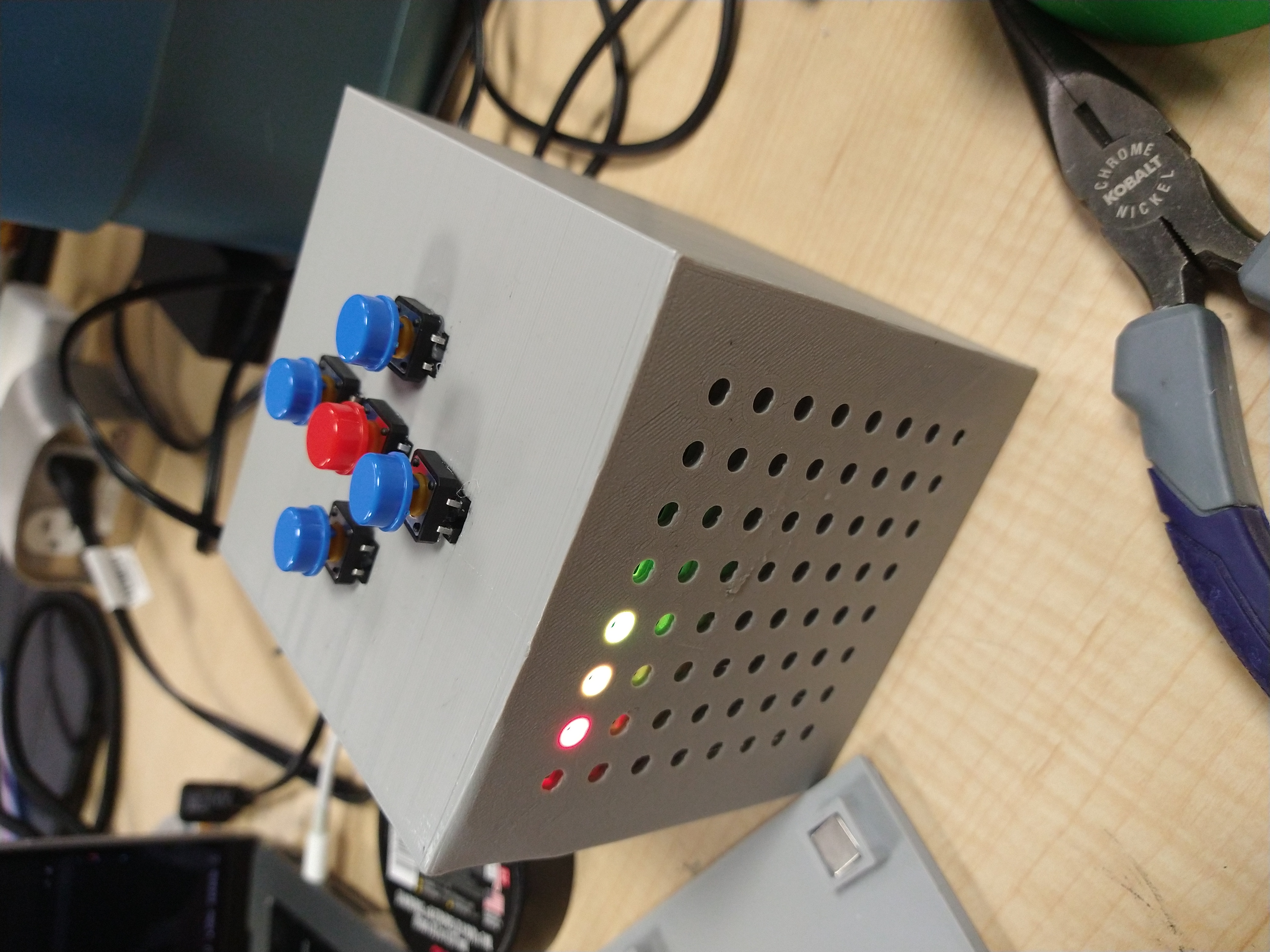
The completed Game Cube
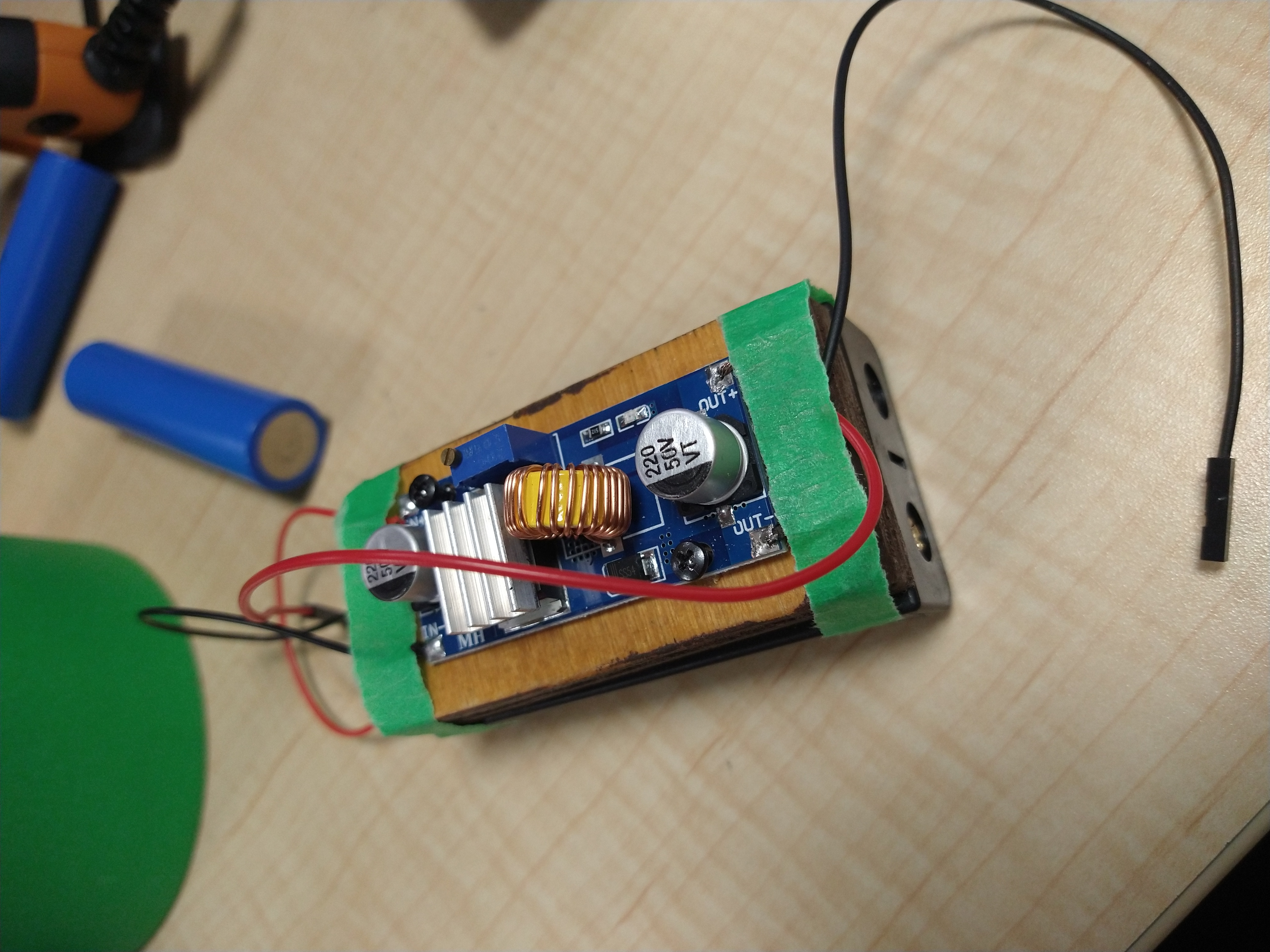
Our battery setup
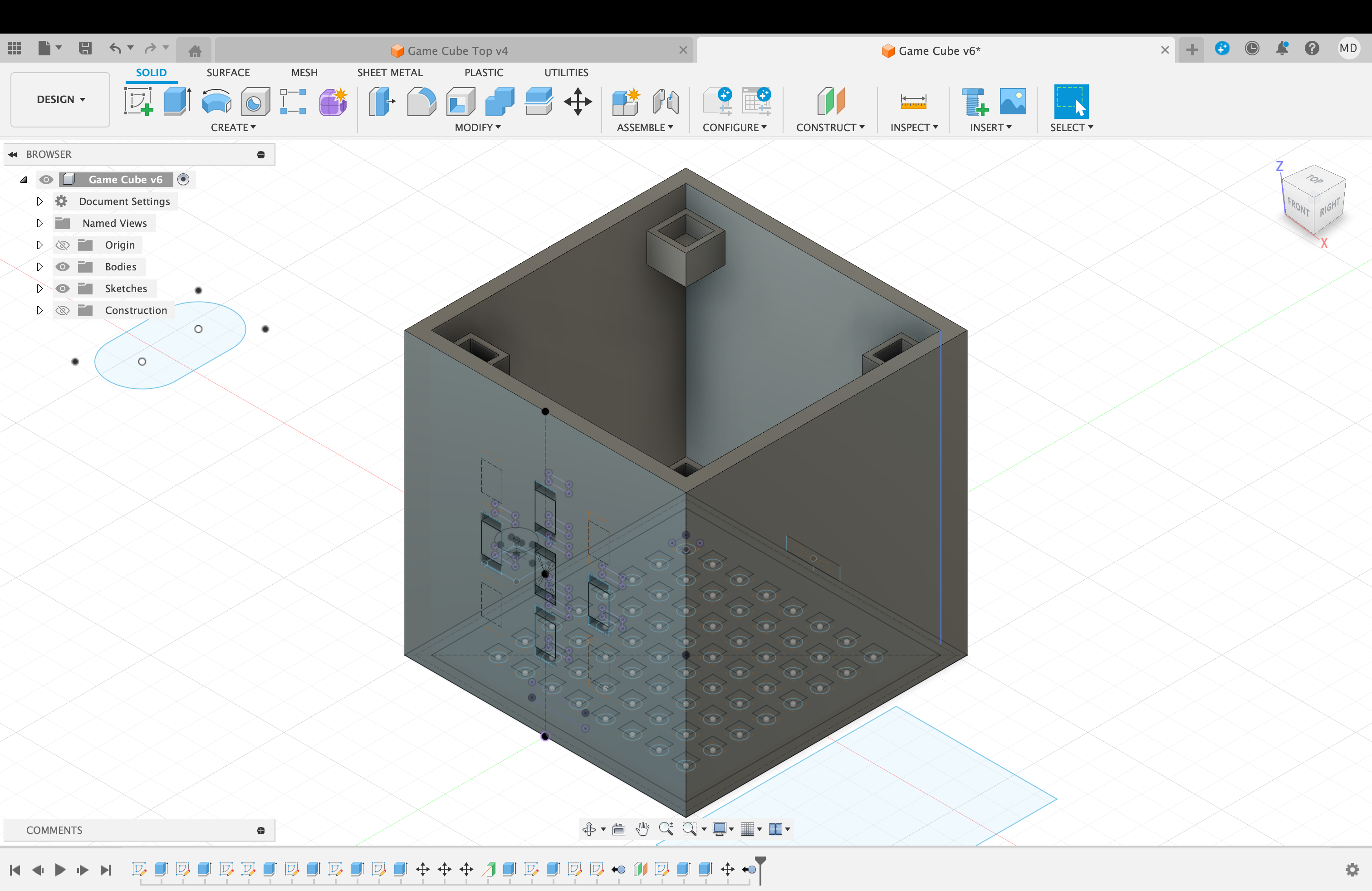
The Fusion 360 file for the body
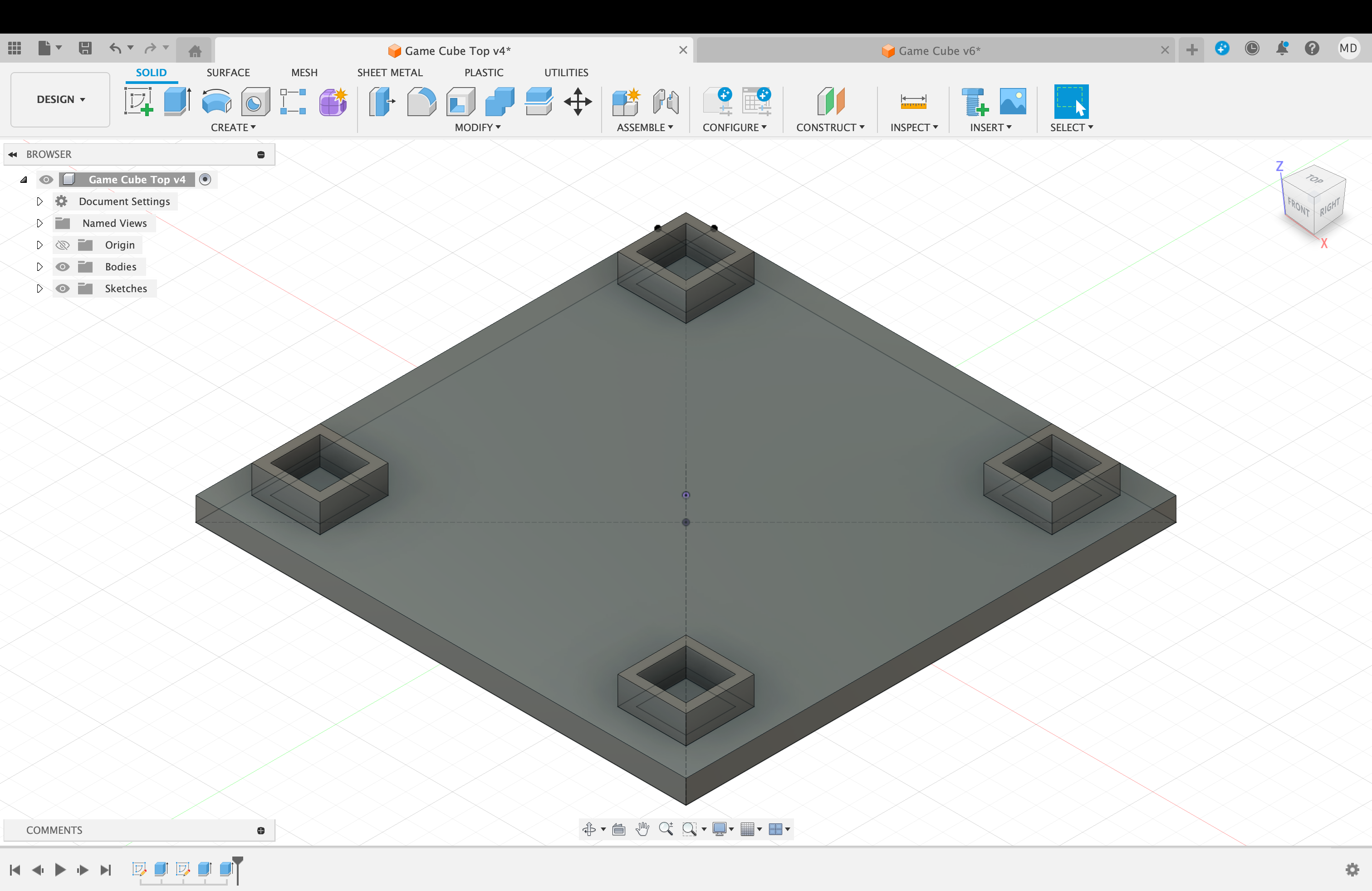
The Fusion 360 file for the lid
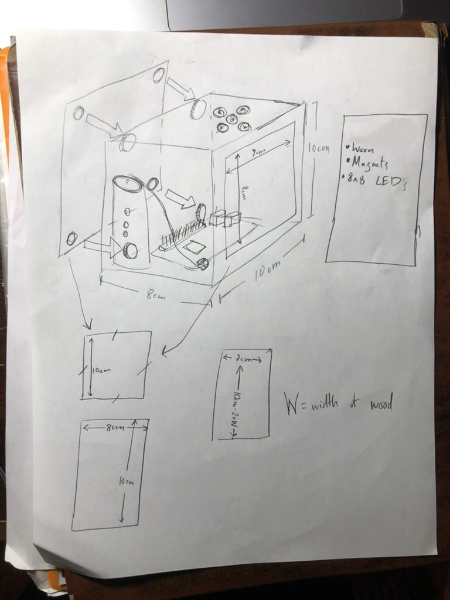
Our original plan for the Game Cube
Inspiration
Our inspiration came from a visit to our friend's house. We noticed that he had an entire wall full of board games, including Connect 4, that were just sitting there, collecting dust. This gave us the idea to make a smaller, more efficient, more interactive Connect 4 game, which eventually became the Game Cube.
What it does
We built a "game cube" of sorts. Currently, it only plays Connect 4, but in theory, it could be adapted to play any game requiring a low-resolution display and 5 buttons. It uses the two side buttons to change the row that the piece drops in, and the middle to drop the piece.
How we built it
The box itself contains a Raspberry Pi (the brains of the operation), an 8x8 LED matrix connected to the Pi by wires, two 3.7V batteries, and a voltage step-down converter. To attach the lid, we used neodymium magnets. We coded everything in Python and sent all the code to the Pi via SSH.
Challenges we ran into
We ran into several challenges during this event. Some buttons didn't work at the beginning, and we couldn't figure out if it was due to the buttons themselves, their connections, or the code. Also, our code had a ton of bugs which we had to iron out with the help of peers and testers. Printing the box was difficult, as the print kept failing; we had to monitor it closely and adjust heating as needed. SSH issues also arose whenever the Pi lost WiFi, assigning it a new IP address we didn't know, making reconnections difficult.
Accomplishments that we're proud of
We're proud of the portability of our box — it's self-contained, battery-powered, and compact. We're also proud of the modularity: easy access to components and easily editable code. Finally, we're proud of fostering community during the hackathon by hosting a small 8-person competition to test the cube.
What we learned
We learned new wiring techniques, how to build working circuits, and how to use two Python libraries: Rpi.GPIO and Adafruit_IO.
What's next for Game Cube?
We plan to add more games like Tetris and Battleship, build reinforcement learning models for AI opponents, and connect cubes together both physically and online for multiplayer games. We'd also like to introduce online multiplayer so players worldwide can connect and play together.
Built With
- 3D Printer
- 8x8 LED Matrix
- Adafruit
- Autodesk Fusion 360
- Batteries
- Pushbuttons
- Python
- Raspberry Pi