Java arrays
An array is a fixed-size collection of elements, all of the same type. You can think of it like a row of labeled boxes, each holding one value.
A good analogy is a row of mailboxes, each one holding a number or name. Each mailbox has an index, starting from 0 (in programming arrays are zero-based, meaning their indexes start at 0).
Creating Arrays
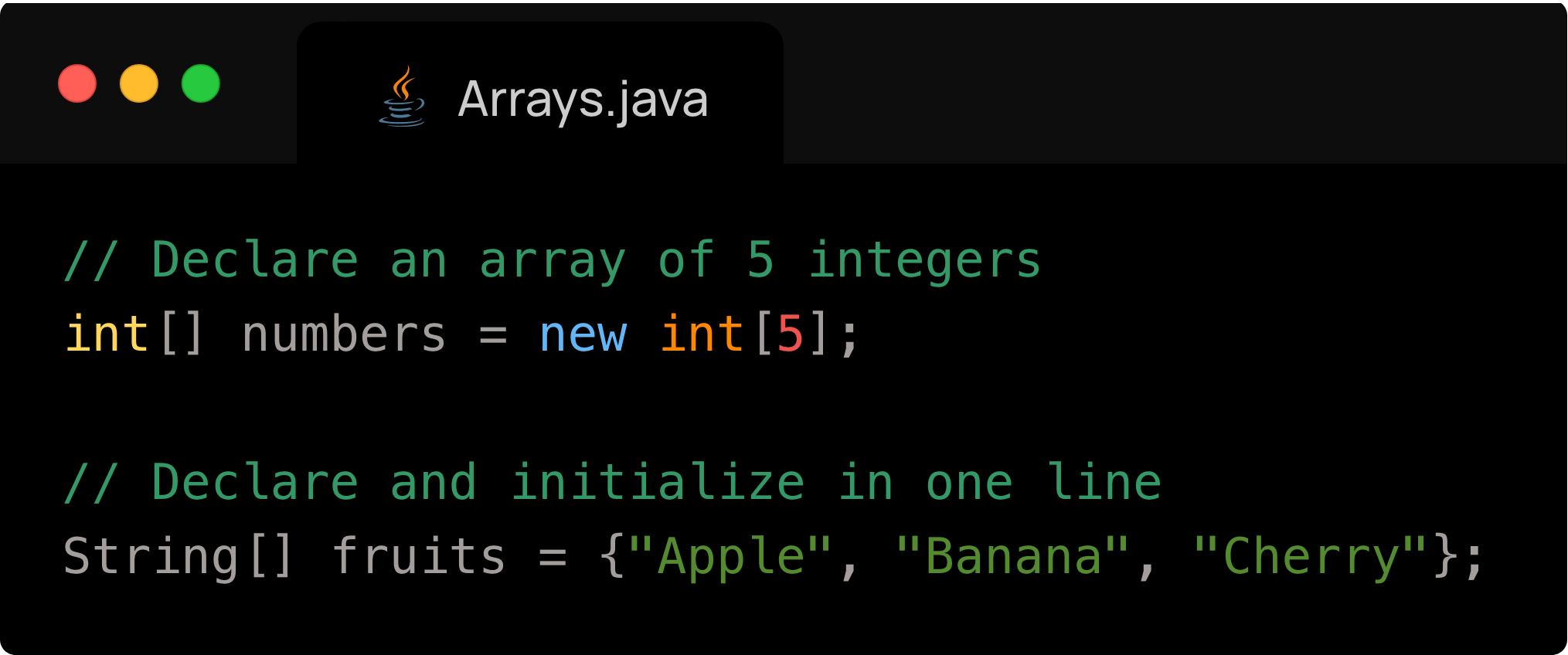
There are two ways to create arrays in Java:
Create an empty array
Create an array based on existing values
We can see both of these methods below:
Accessing Array Elements
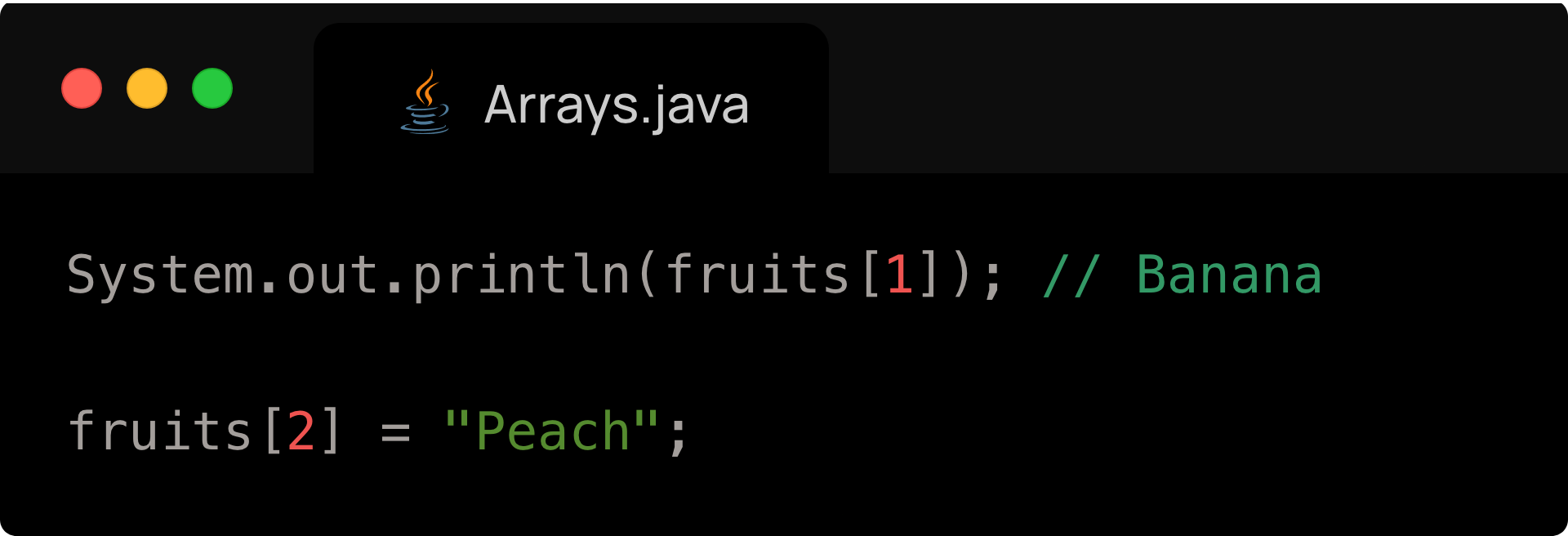
You use indexes (starting at 0) to get or set values in an array.
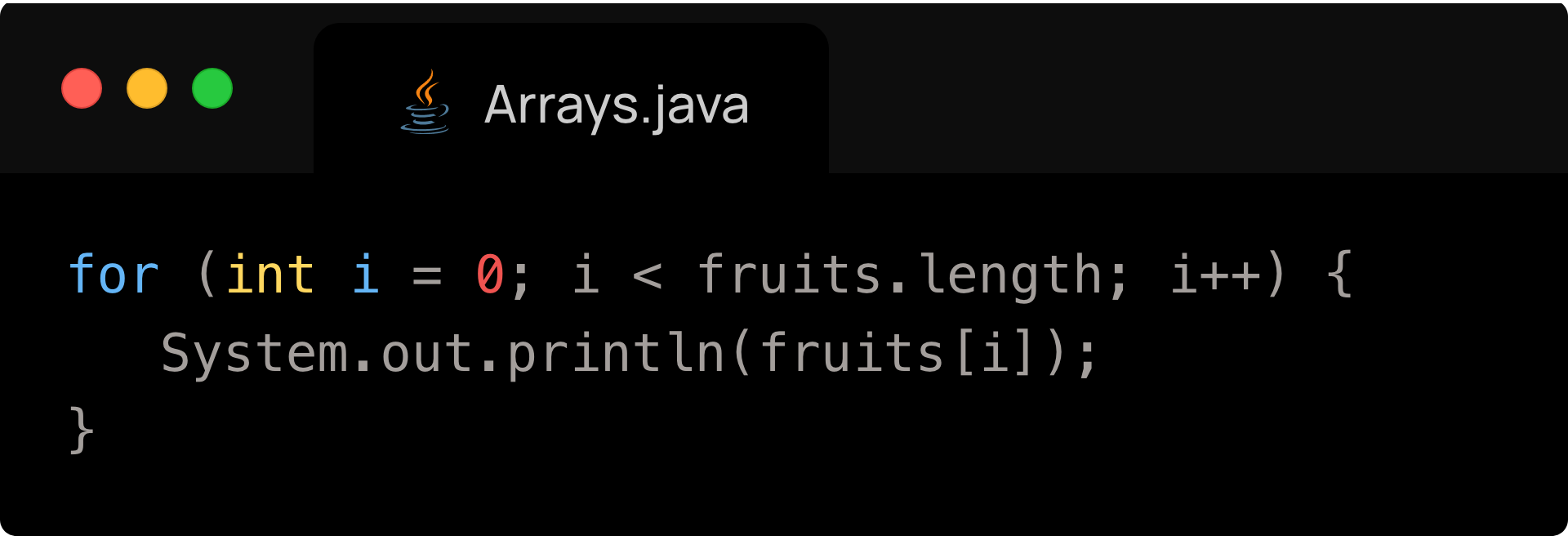
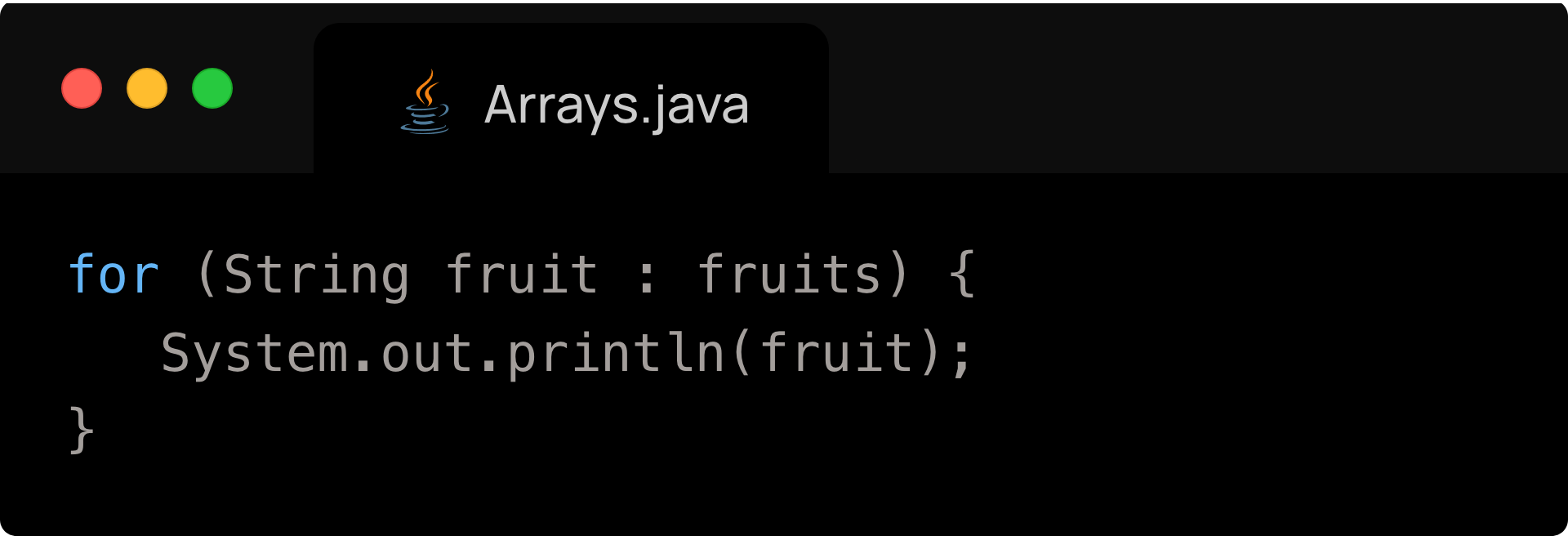
Looping through an Array
Traditional for loop:
Enhanced for loop:
Things to be aware of when using arrays
- Use proper indexes
- The first element in an array is 0 not 1
- The last element in an array is arr.length - 1, not arr.length
- An incorrect index will throw an ArrayIndexOutOfBoundsException.
Trying to resize an array: this is impossible with arrays, but it is impossible with ArrayLists (next topic).
Mixing up data types: an array can contain only one type of variables, so assigning a String value to an array of int's is impossible.
Arrays Unit Assignment
I worked with Joseph Wang to create an aircraft ranking tool, which ranks aircraft on several characteristics. This assignment was meant to learn about how to use arrays and find the maximal value in them. The aircraft and their various characteristics were stored in several parallel arrays, with each index corresponding to a plane. You can see the scheme below:
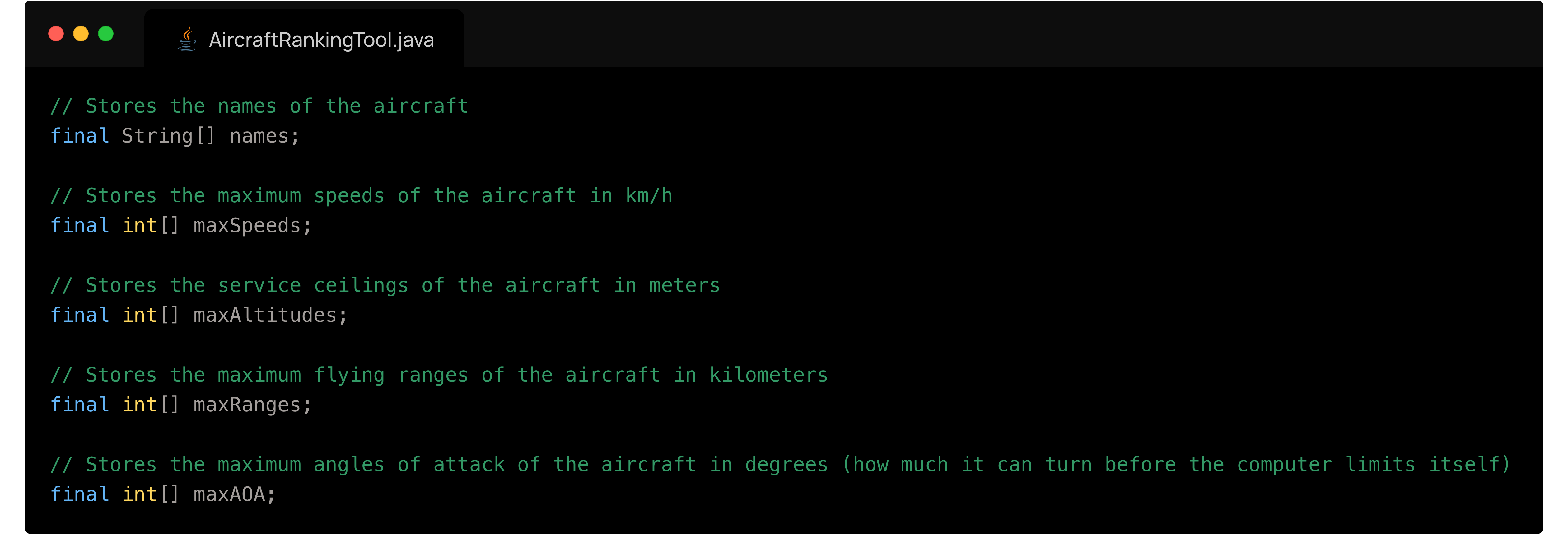
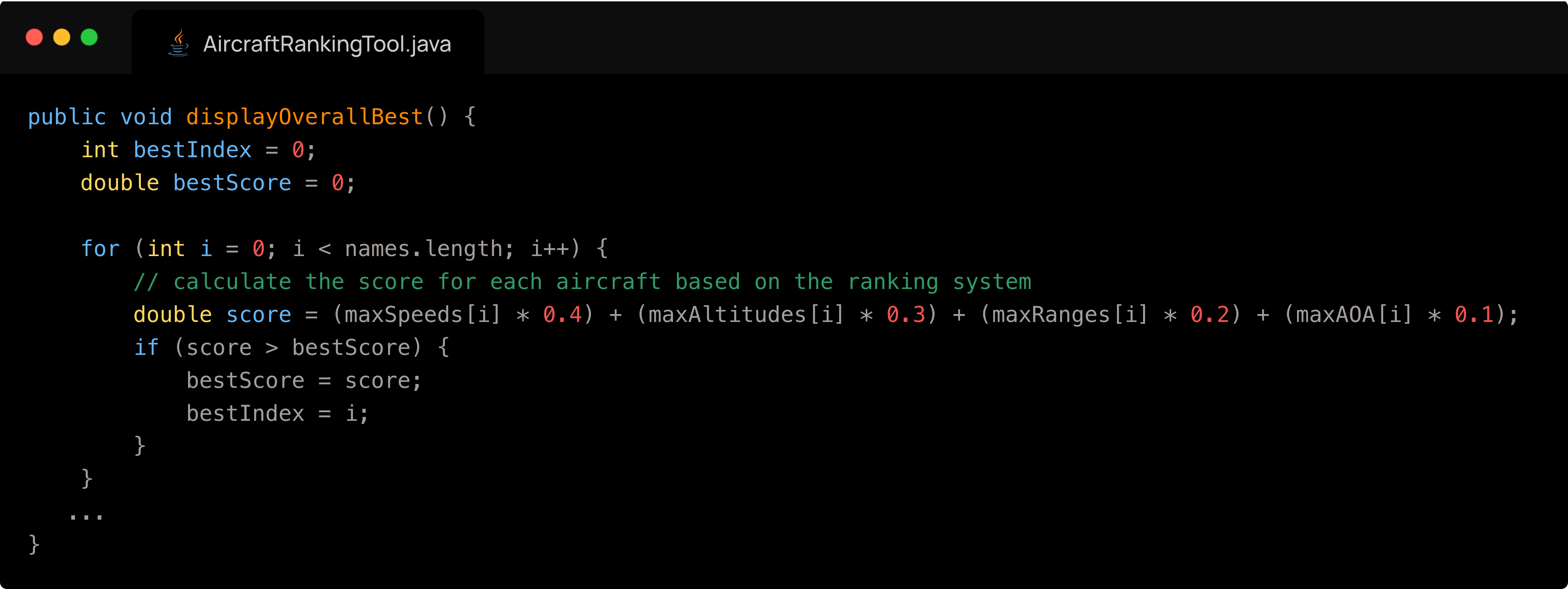
Our logic for finding the best aircraft was as follows:
- Initialize variables bestIndex and bestScore which will contain the values of the best aircraft once the looping is done.
- We loop through the array:
- Determine the score of an aircraft at that particular index through an elaborate formula we created.
- If the index corresponds to an aircraft that is better (one that has a higher score) than the current best one stored in bestScore, we replace the two variables with this aircraft.
- At the end of iteration, we have obtained the best aircraft.
You can see what that looks like in code here:
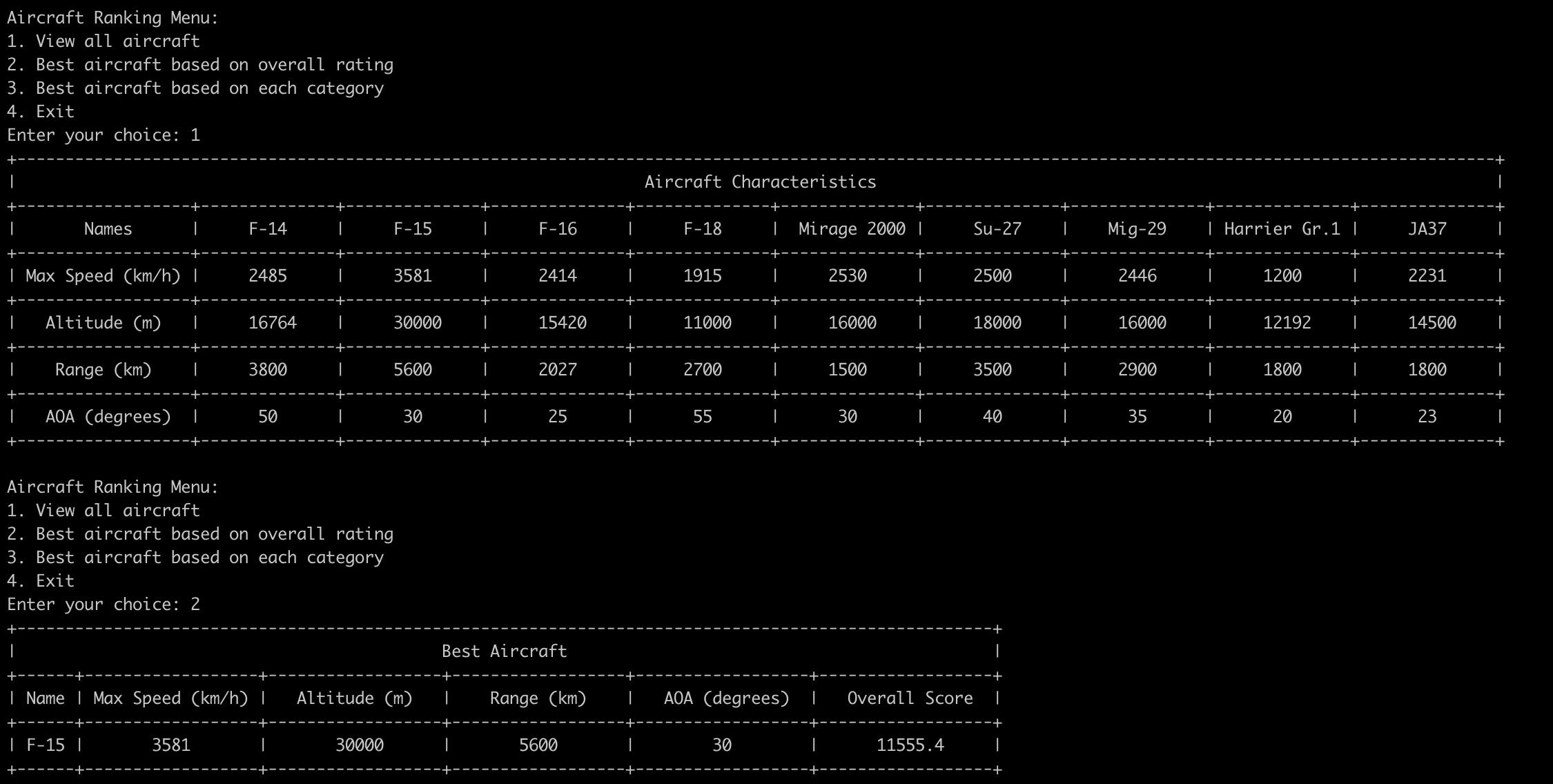
You can see what a sample run of our program would ouput:
Java ArrayLists
An ArrayList is like an array, but it can grow or shrink as needed. It belongs to the java.util package.
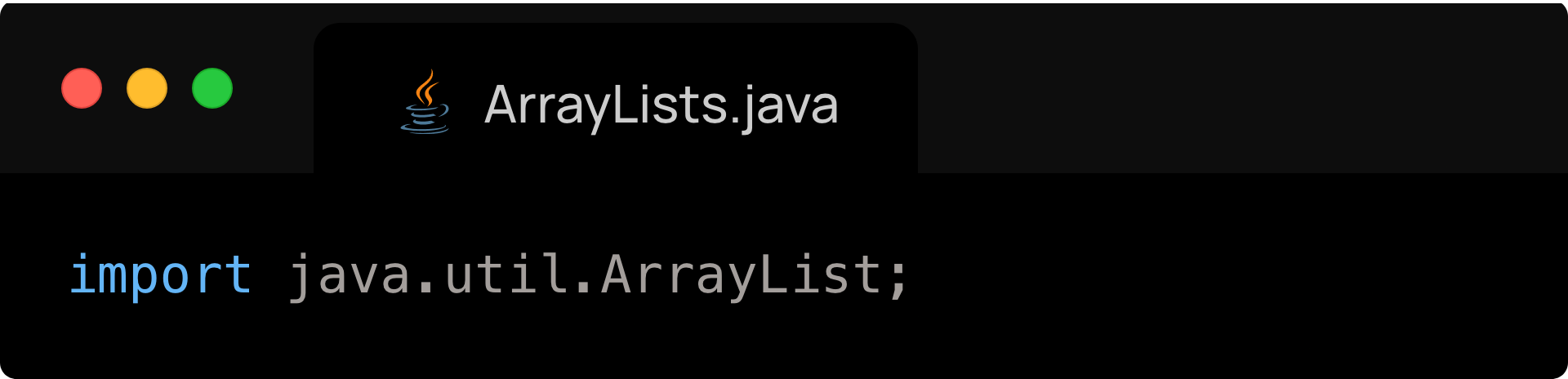
To use ArrayLists, you must first import them as follows:
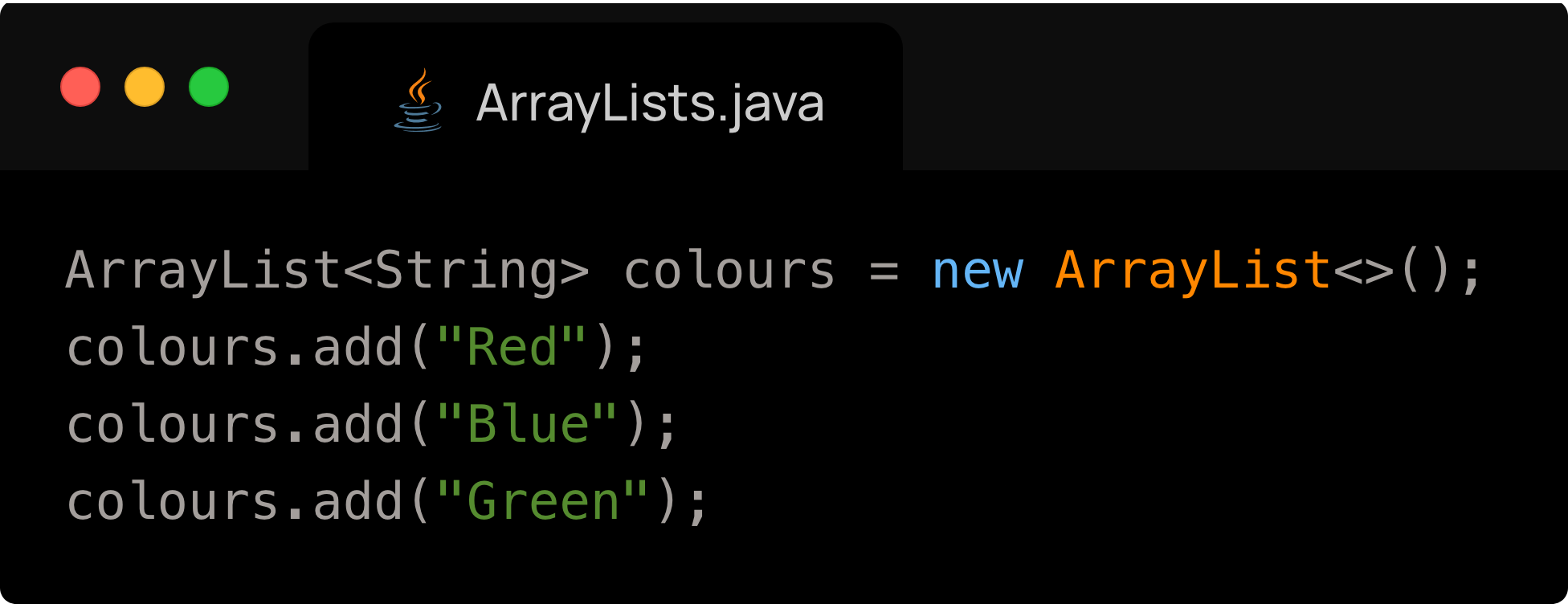
Declaring and assigning values to an ArrayList
.size() vs .length vs .length()
[StackOverflow] Difference between size and length methods? - java
- .size() is used for ArrayLists, as the length of an ArrayList
- .length is used for arrays, as the value does not change, so the length is an unchanging attribute of the array
- .length() is used for Strings, as their length can change
ArrayList methods
| Method | Description |
|---|---|
| .add(value) | Ands and element to the back of the ArrayList |
| .get(index) | Returns the value at the index index |
| .set(index, value) | Sets the element at index index to have value value |
| .remove(index) | Removes element at index index |
| .size() | Returns number of elements in the array |
| .contains(value) | Checks if a value exists in the ArrayList |